A FIFA Career Mode tracker for every edition
Still playing FIFA 19, FIFA 23 or FC 25? Pick the game and the squads load as they were that year. Then carry on the save you already have, from the season you are in.
Free to start. No spreadsheet. Works in your browser.
What is a FIFA Career Mode tracker?
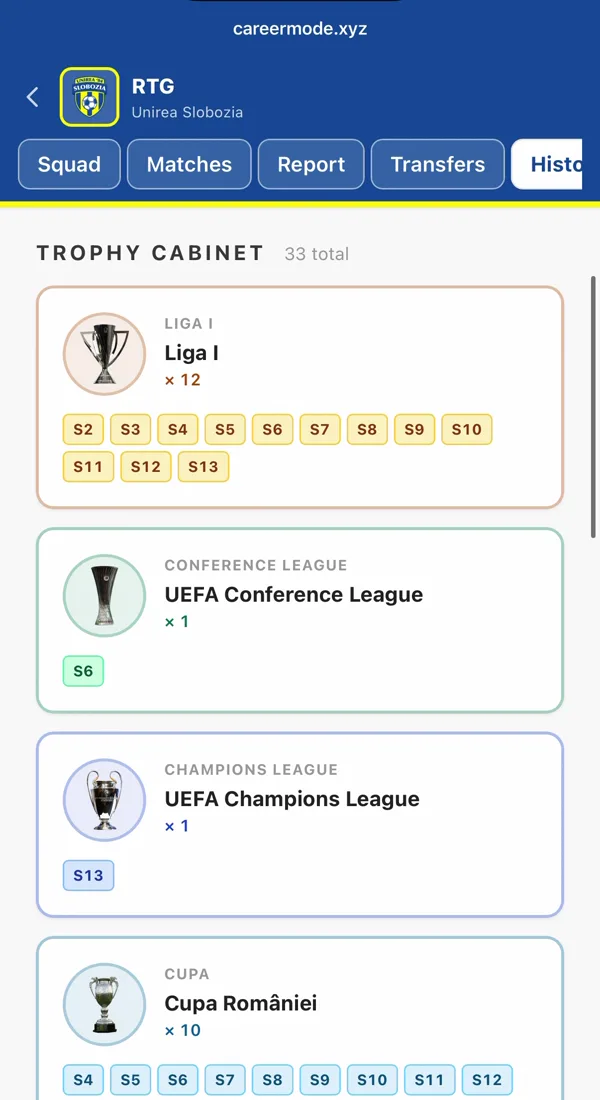
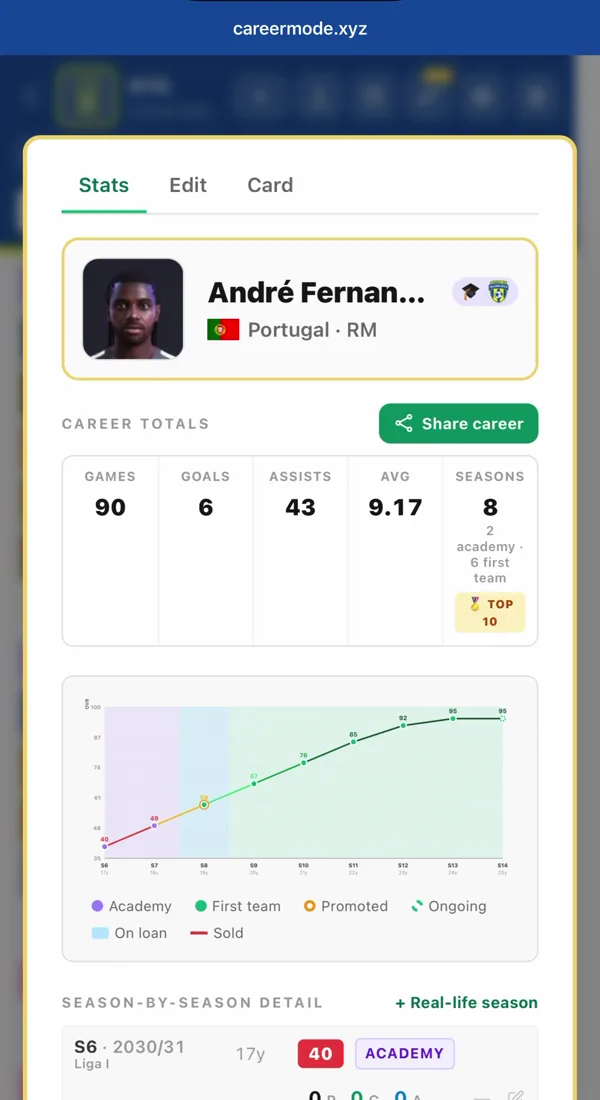
A FIFA Career Mode tracker records what the game forgets: past seasons, sold players, transfer fees, player growth and trophies. Career Mode (careermode.xyz) is a free web tracker that works with every FIFA and EA Sports FC edition. From FIFA 15 on, the real squads with ratings are built in, so an old save starts with the players that club really had that year; older games work too, with the players added by hand.
Which FIFA editions have real squads?
You pick the edition when you create the save, and the squad database follows it: a FIFA 17 save loads the clubs’ 2016/17 squads.
| Edition | Seasons | Squads |
|---|---|---|
| EA FC 24 – FC 27 | 2023/24 – 2026/27 | Real squads with ratings and potential, in one click |
| FIFA 15 – FIFA 23 | 2014/15 – 2022/23 | Real squads as the clubs had them that year |
| FIFA 05 – FIFA 14 | 2004/05 – 2013/14 | Add your players by hand, or import them from a CSV |
Playing the newest game? FC 27 saves, next to your FC 26 ones →
Carry on a save you started long ago
You don’t have to start from season one. A save five seasons in can be tracked from the season you are playing now.
Pick the edition and your current season
Choose the game and set the first season to the one you are playing now. Seasons count on from there.
Bring the squad up to date
Load the club’s squad for that edition, then add your signings, remove who has left and update the ratings. Or type your current squad into the CSV template and import it in one go.
Add what already happened
Enter the trophies the club had already won and what each player has done so far this season, so records and totals start from the right numbers.
Keep playing
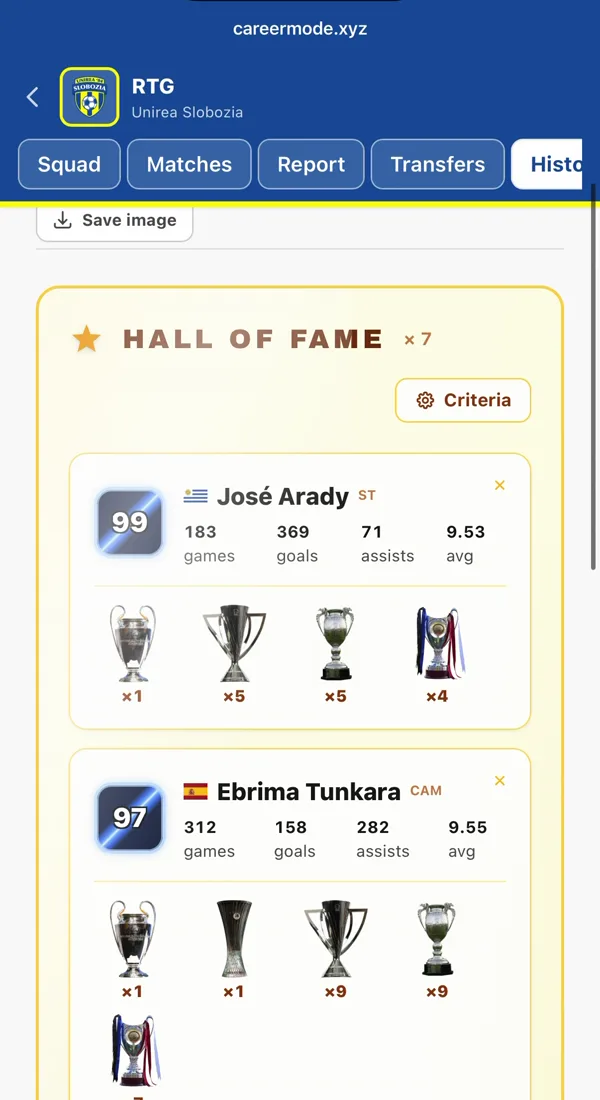
From here, log each match or each season as you go. When you move to a newer game, start a new save next to it: the Hall of Fame keeps your best players from every save together.
Frequently asked questions
Which FIFA versions does it work with?
All of them, from FIFA 05 to EA FC 27. From FIFA 15 on, the real squads with ratings are built in, as they were in that edition; for older games you add the players by hand or import them from a CSV.
Can I track a save I started before I found the tracker?
Yes. Set the first season to the one you are in, bring the squad up to date and enter what has already happened. Nothing makes you start from season one.
Does FIFA have a built-in career tracker?
Not really. The game shows your current season, but past seasons, sold players, transfer history and player growth are lost over time, and everything disappears when you stop playing that save. A tracker keeps your career history permanently.
Can I keep saves from different editions in one account?
Yes. Each save keeps its own edition, squad, transfers, seasons and trophies, and the Hall of Fame brings your best players from all of them into one all-time XI.
Is it free?
Yes. Two manager saves and one player save are free, with no credit card. Pro, from €1.99 a month or €5.99 a year, removes the save limit and adds the deep stats, the full club history and shareable reports.